Forgot Password
The Forgot Password feature allows you to securely reset your BluEarn PMS account password if you have forgotten it. By verifying your registered email address, you can create a new password and regain access to your account
How to Reset Your Password
If you've forgotten your password, you can easily reset it by following the steps below.
Step 1: Access the Forgot Password Page
- From the Sign In page, click the Forgot Password located below the password field. This will redirect you to the password recovery page.
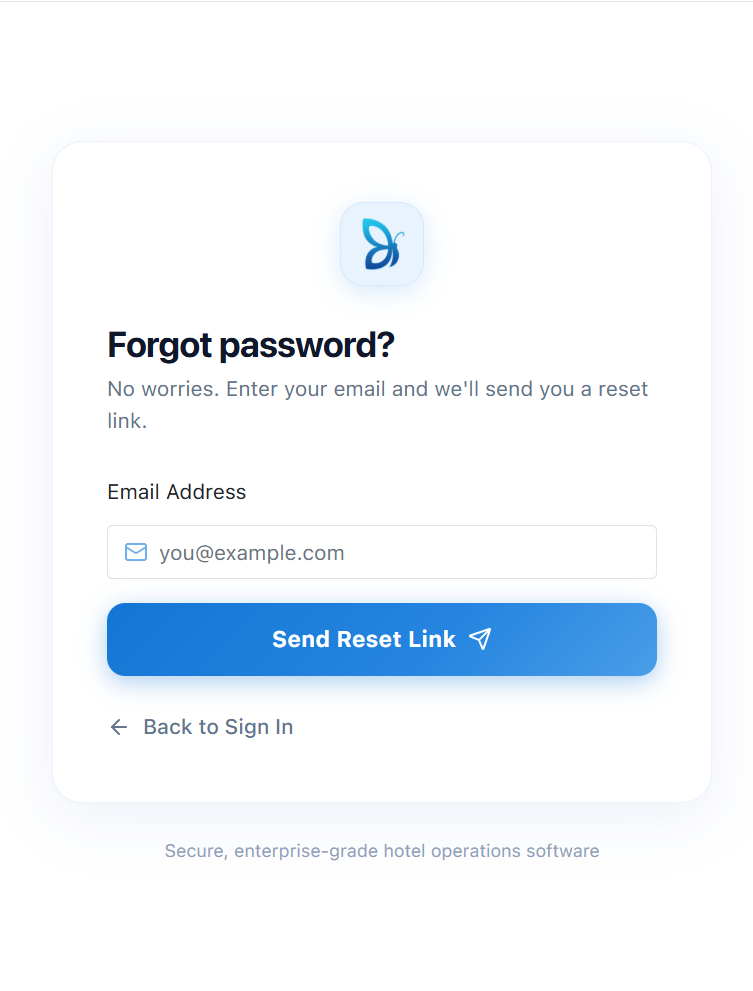
Step 2: Enter Your Registered Email Address
-
On the Forgot Password page, enter the email address that is registered with your BluEarn PMS account. Ensure that you enter the correct email address, as the password reset link will be sent to this email.
-
Once you've entered your email, click Send Reset Link.
Step 3: Check Your Email
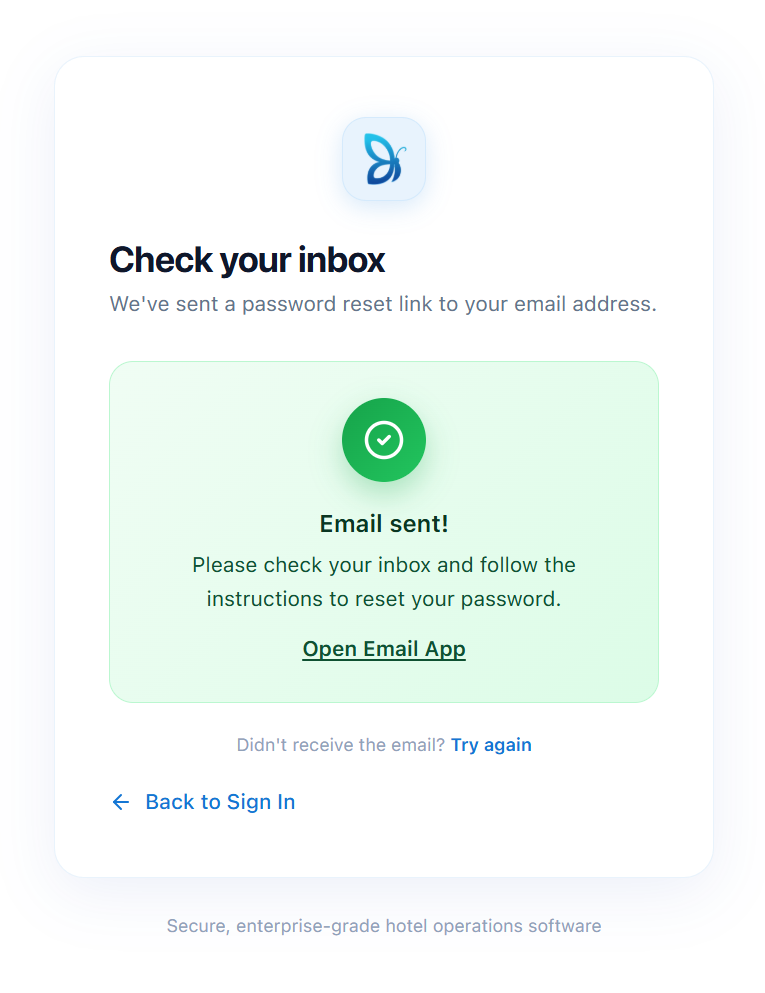
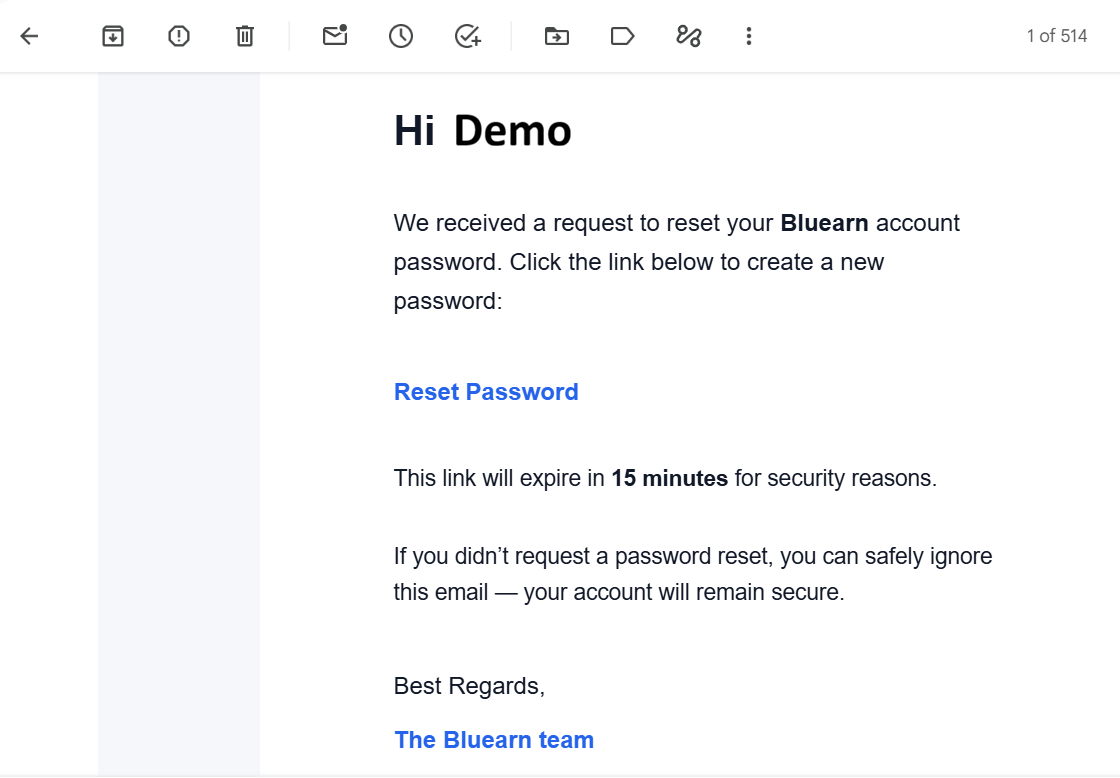
- After submitting your request, BluEarn PMS will send a secure password reset email to your registered email address.
- Open your inbox and look for the password reset email.
Note: If you don't receive it within a few minutes, check your Spam or Junk folder. If necessary, return to the Forgot Password page and request a new reset link.
Step 4: Open the Password Reset Link
- Click the Reset Password link provided in the email. The link will securely redirect you to the Reset Password page.
Step 5: Create a New Password
-
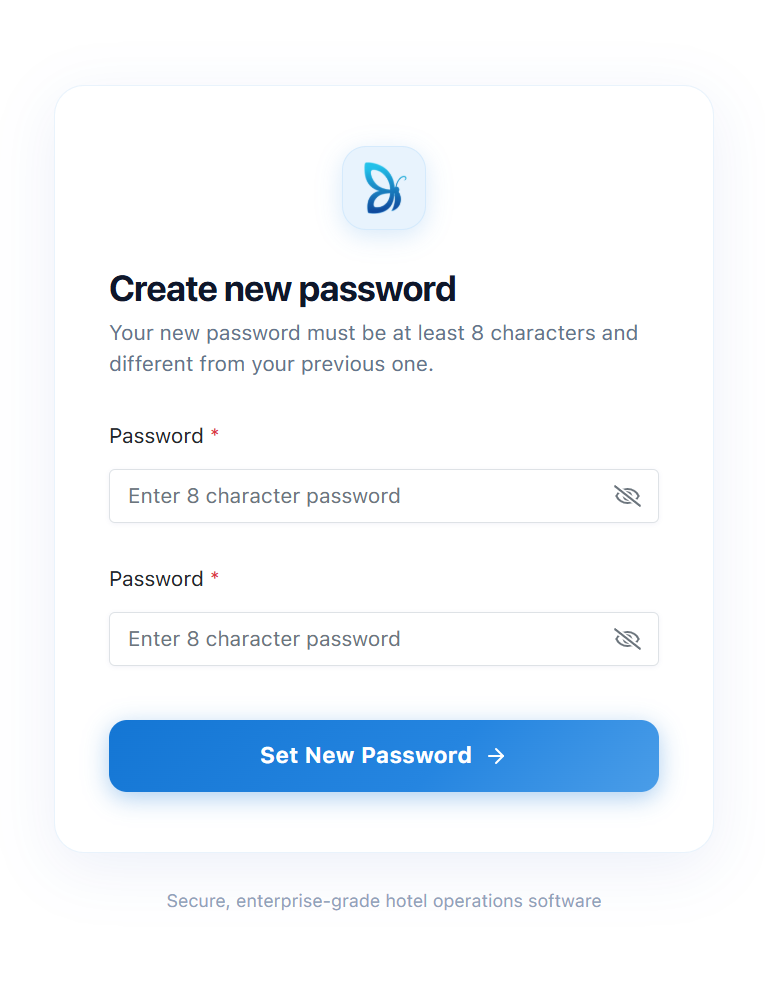
On the Reset Password page, enter your new password and confirm it by entering the same password again.
-
After entering the required information, click Set New Password to save your new password.
Tip: Choose a strong password that is easy for you to remember and difficult for others to guess.
Step 6: Sign In to Your Account
Once your password has been reset successfully, you will automatically be redirected to the Sign In page.
Sign in using:
-
Your registered email address
-
Your newly created password
You can now access your BluEarn PMS account and continue managing your property as usual.